
Drones Lab : Autonomous Ops
Exploring Decision Logic and Autonomous Navigation in a Virtual Environment.
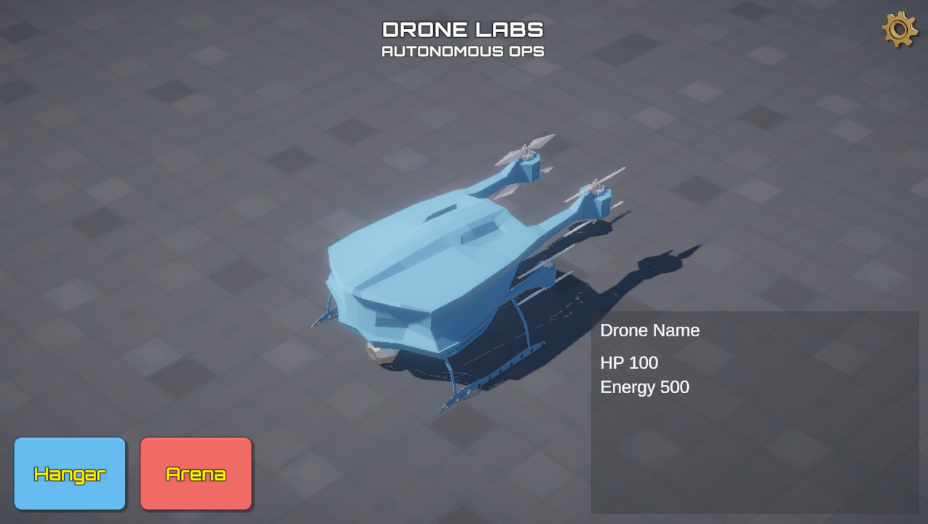
Overview : Why Drones Lab?
Drones Lab isn't just a conventional drone building simulator. It's a self-development lab I built to explore the architecture of Autonomous AI Systems.
The project's primary focus lies in a high level of abstraction: ignoring micro-mechanical details (such as motors or electrical components) in favor of the "brain" of the unit. Here, drones (both aerial and ground I choosed for this simulator) serve as agent models that must perceive their environment, process virtual sensor data, and make decisions without human intervention.
Main Pillars of Development
Autonomous Logic
Development of decision-making algorithms (State Machines) for autonomous navigation.
Modular Architecture
AI logic separated from the engine (Decoupled), allowing for clean system scalability.
High-Fidelity Environment
Visual optimization using Trim Sheets for maximum performance without sacrificing aesthetics.
Laboratory Technical Features
Working Method: Notebook-First Workflow
Every decision-making logic in Drones Lab is born from handwritten notes in a notebook. I believe that separating the cognitive process (system design on paper) from the mechanical process (code execution in Unity) is key to building more structured AI that is free from complex logic bugs.
Technical Stack
- Game Engine : Unity 6.000.3.9f1
- Language : C# (Independent System Architecture)
- Workflow : AI-Assisted Mechanical Execution (Copilot, Gemini)
- Art Pipeline : Blender (Modular & Trim Sheet), Low Poly Syle for maintain better performance
Project Status & DevLog
This project is dynamic and continues to evolve as my understanding of autonomous systems grows. You can follow the technical journey, coding challenges, and system updates through the DevLog series of posts below :